Help home Groups and chat
Groups and chat
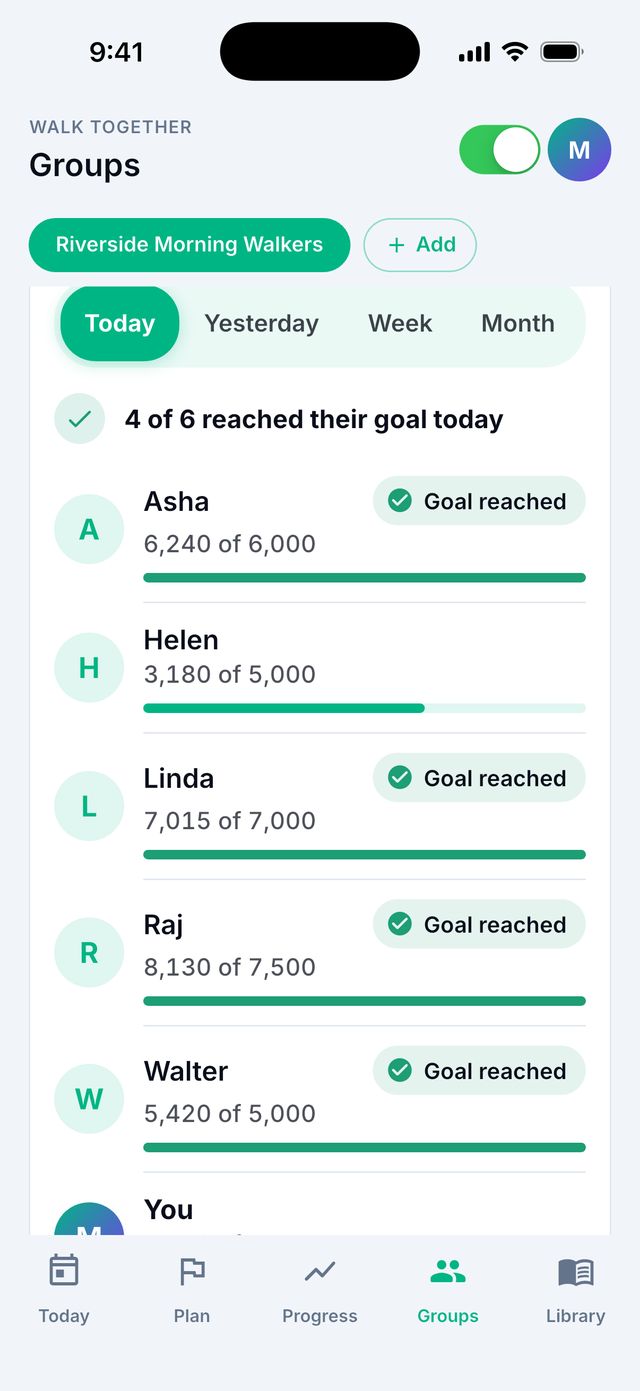
A group is a small circle of people who walk and cheer each other on. Nobody is ranked. Each person has their own goal.
How do I start a group?
- Go to the Groups tab.
- Tap Create.
- Type a group name.
- Tap Create group.
- Tap Invite to send the invite code to people.
How do I join a group?
Someone in the group sends you an invite code. It has 6 letters and numbers, like A1B2C3.
- Go to the Groups tab.
- Tap Join.
- Type the invite code.
- Tap Join group.
Tip: If someone sent you a link, just tap the link on your phone.
What can people in my group see?
They see your name, your steps for the day and how close you are to your own goal.
- They never see your photos, notes or walk maps.
- They never see where you are.
- The group owner can choose to hide everyone’s step numbers. Then people only see who reached their goal.
How do I cheer someone?
- In your group, tap a person’s name.
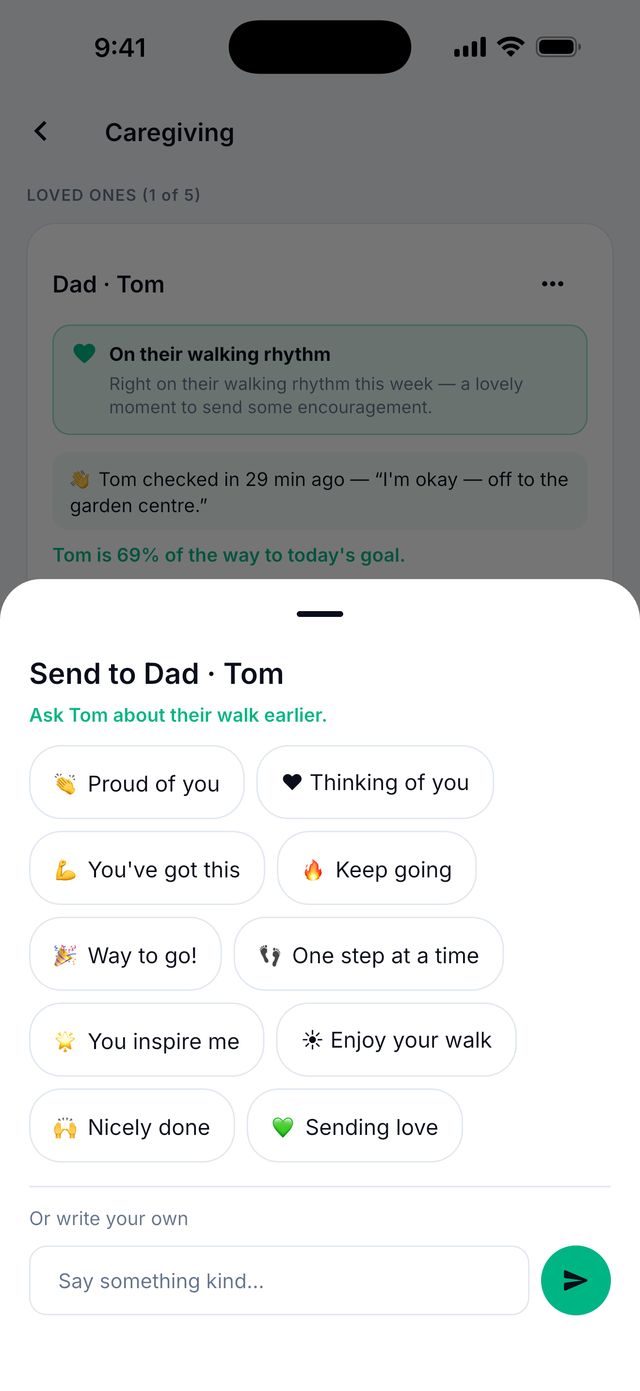
- Pick a cheer, like Proud of you or Keep going. Or write your own.
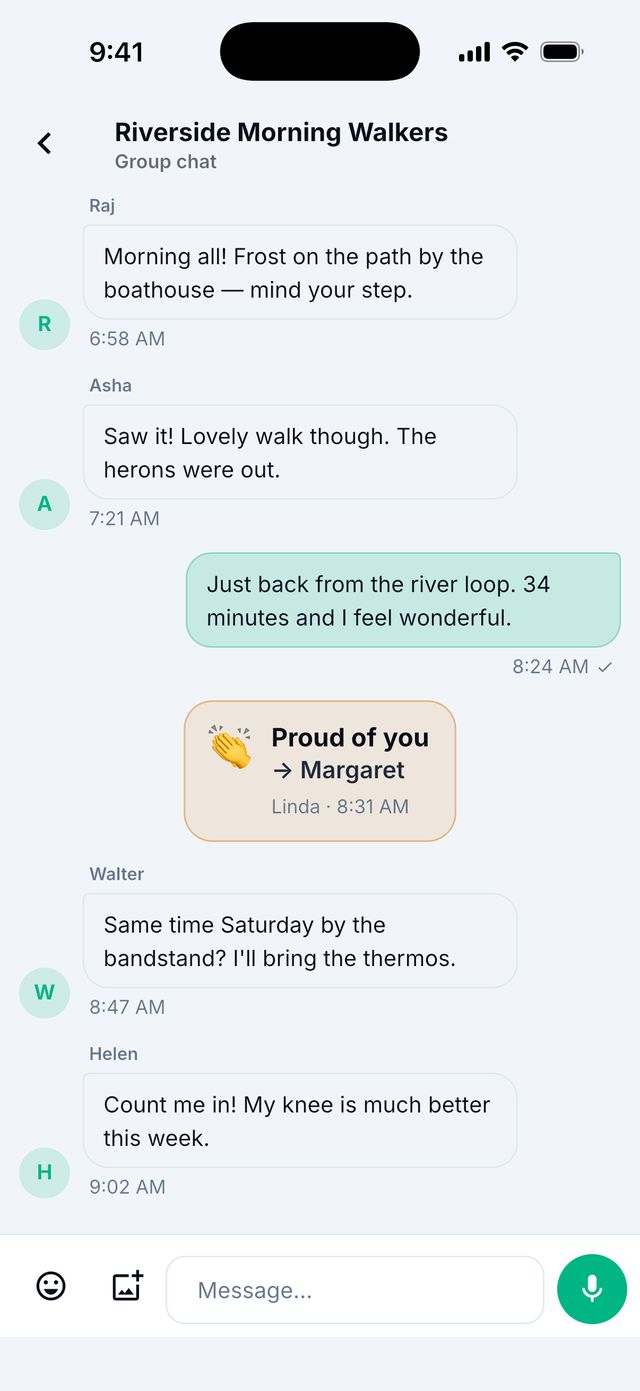
- Send it. The cheer also shows in the group chat.
How do I use the group chat?
- In your group, tap Chat.
- Type a message and send it.
- You can also send an emoji, a photo, or a voice message. To send a voice message, hold the microphone button while you talk.
Someone was unkind. What can I do?
Press and hold the message. Tap Report this message or Block. To unblock later, go to Settings › Privacy › Blocked accounts.
How many people can be in a group?
Up to 10 people on the free plan. If the group owner has Premium, they can tap Expand this group to 25 members.
How do I leave a group?
Open the group and tap Leave group. If you made the group, the app asks who should look after it next.
What is “Walk for a cause”?
Coming to everyone soon. You may not see this on your phone yet.
A group owner can promise to give money to a good cause for each mile the group walks. The app only keeps count. Siyan Stride does not collect or handle any money.