Help home Postcards, Passport and certificates
Postcards, Passport and certificates
On a Journey you collect postcards, stamps in your Passport, and a certificate when you finish.
How do postcards work?
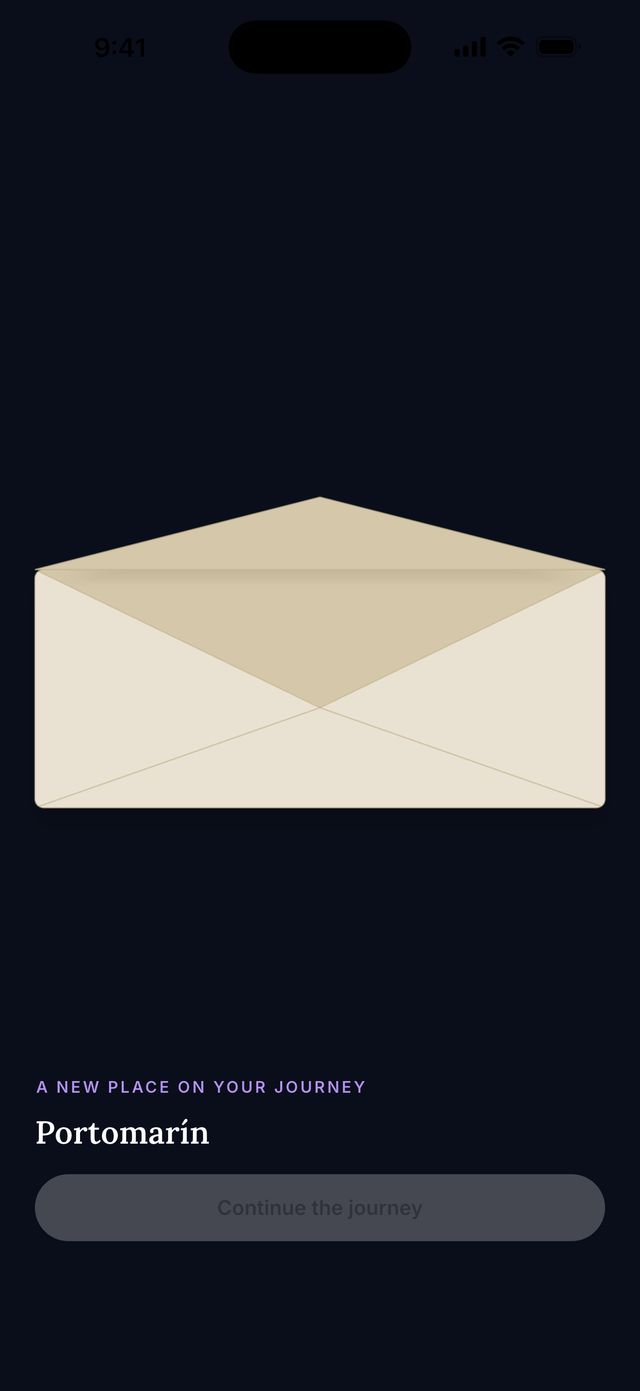
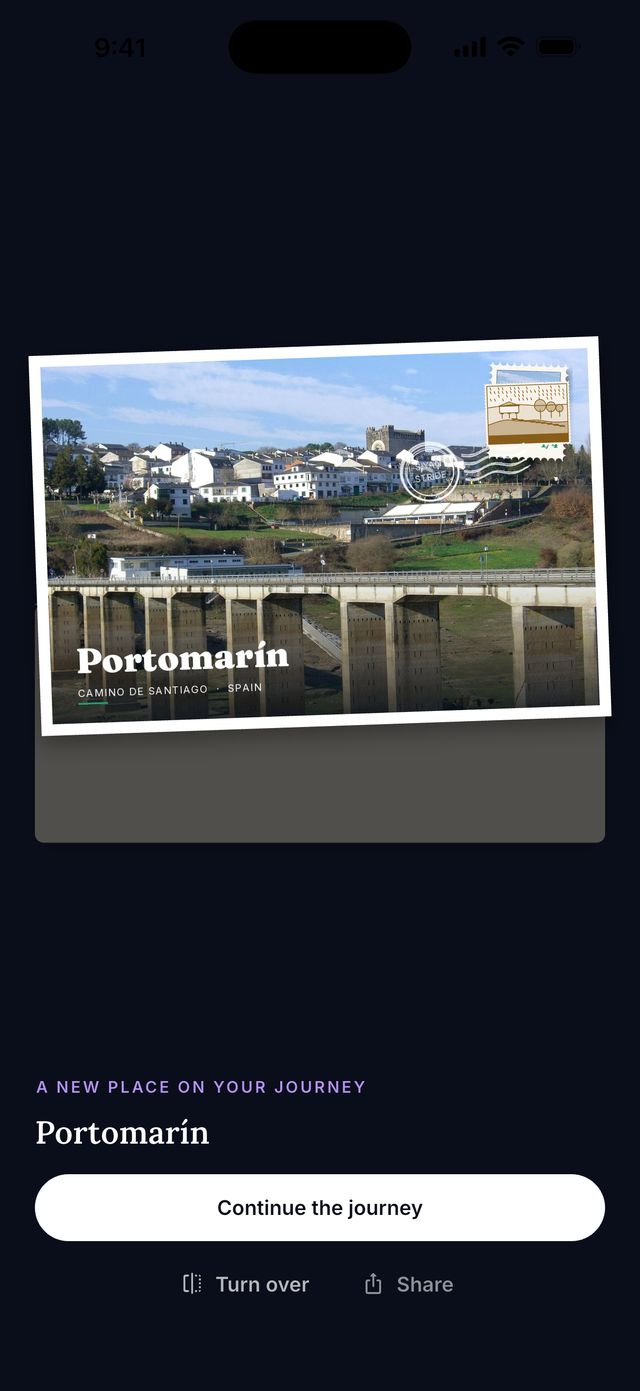
When your steps reach a famous place on your route, a postcard arrives. It comes in an envelope. Tap to open it.
- Tap the envelope.
- Look at the picture. Tap Turn over to read the back.
- On the back you can write a private note to yourself. Only you can see it.
- Tap Continue the journey when you are done.
What is the Passport?
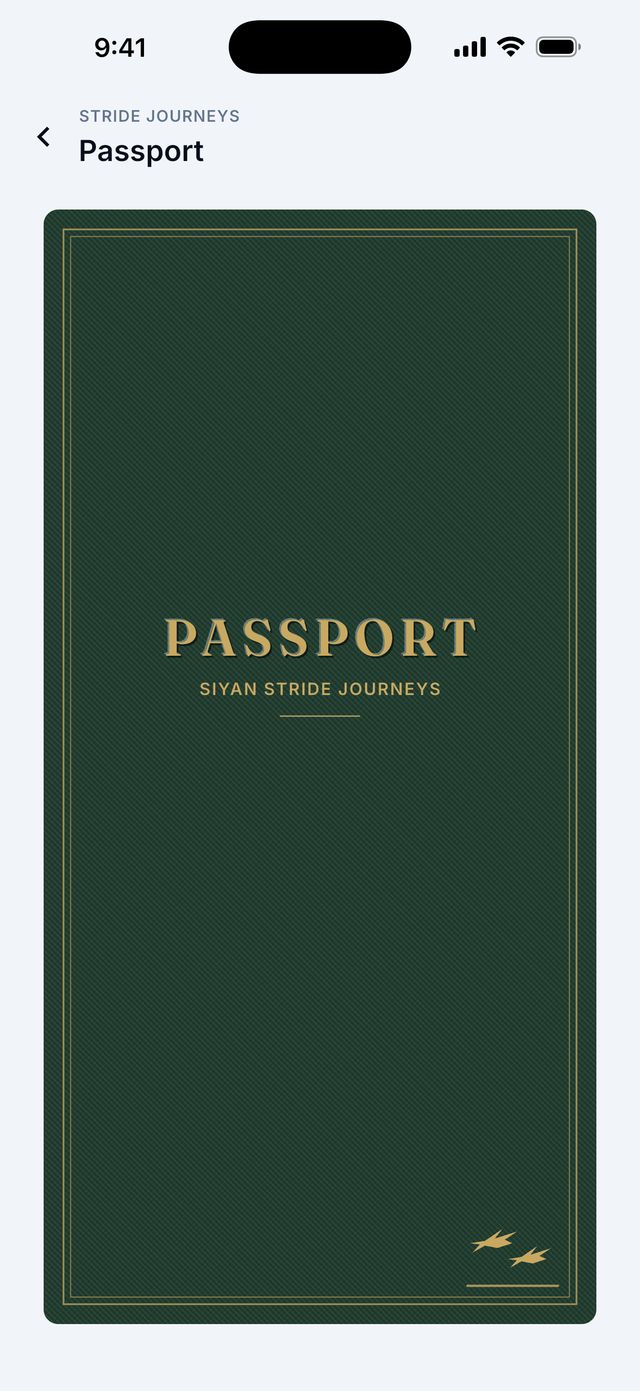
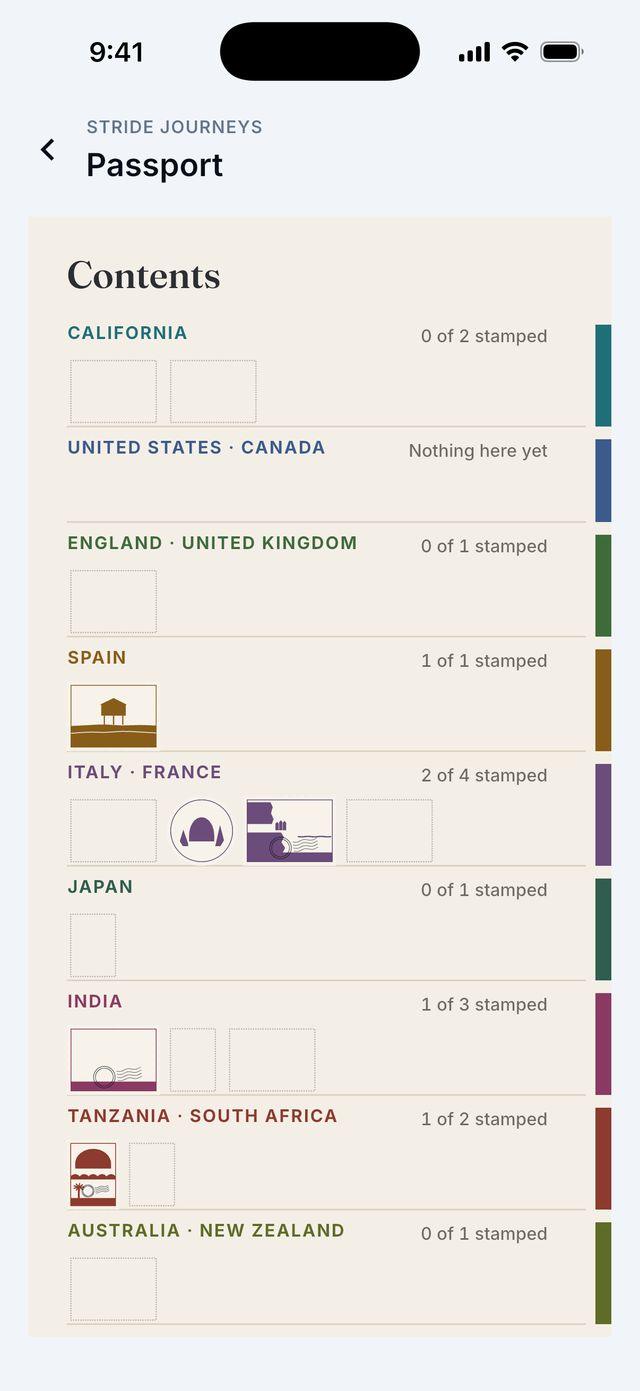
Your Passport is a little book. It keeps a stamp for every Journey you start, and all your postcards and certificates.
- Tap your round picture at the top right.
- Tap Passport.
- Tap the cover to open it.
How do I get my certificate?
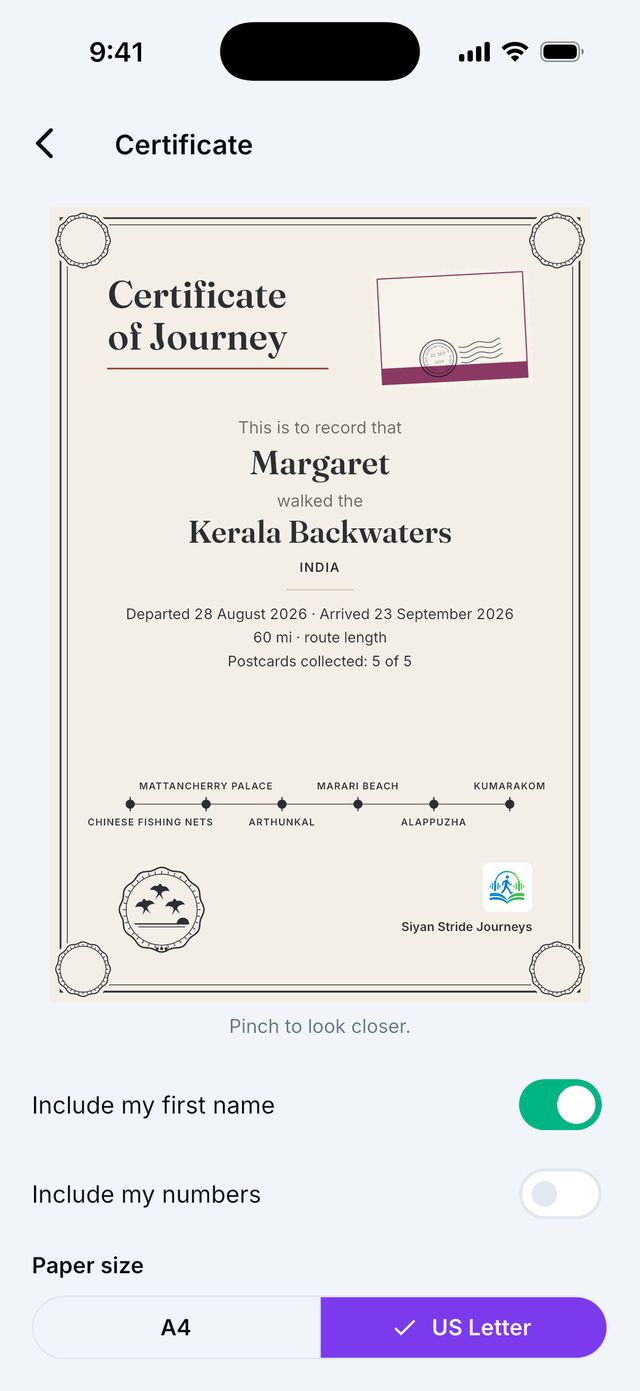
When you finish a Journey, you see a short celebration. Then tap Certificate.
- Choose if your first name and your numbers show on it.
- Choose the paper size: A4 or US Letter.
- Tap Save as PDF to keep it, or Share certificate to send it.
Tip: Find old certificates any time in your Passport.
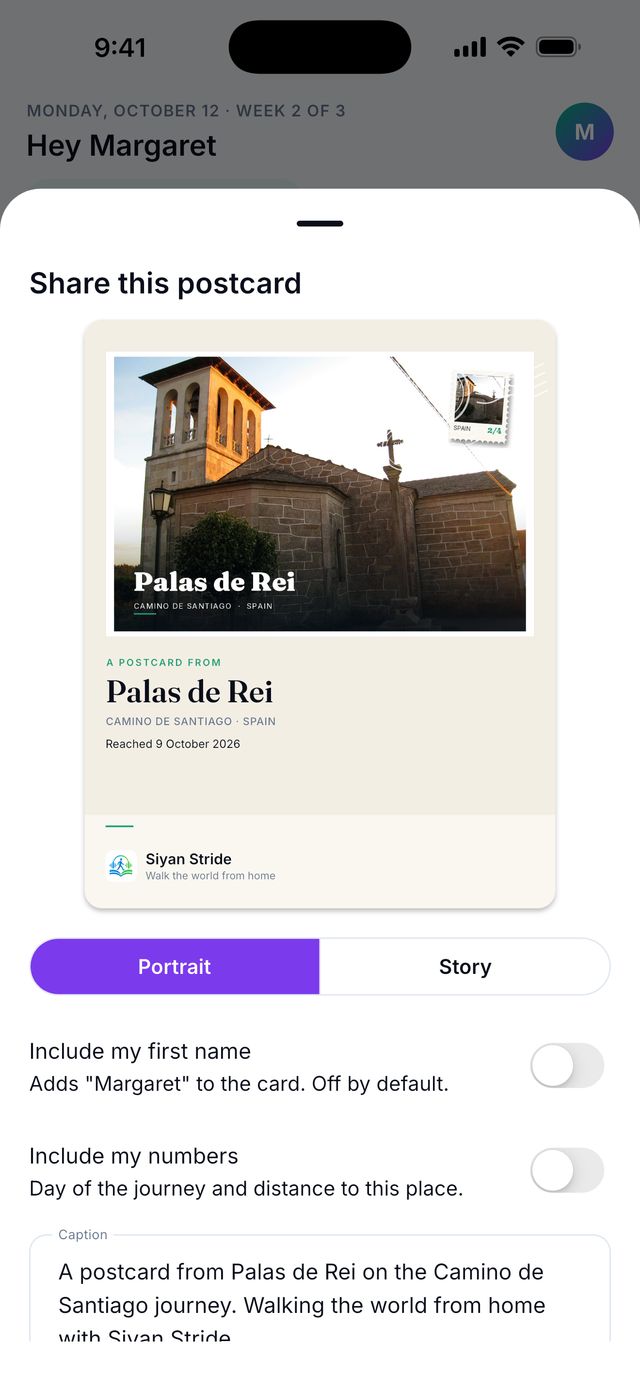
Can I share a postcard?
Yes. Tap Share on the postcard. You choose if your first name and numbers show. Nothing is shared unless you send it.