Help home Journeys
Journeys
A Journey turns your everyday steps into a trip along a real, famous route. As you walk, you move along the map and collect postcards from real places.
What is a Journey?
You pick a famous route, like the Camino de Santiago in Spain or Kilimanjaro in Tanzania. Then you just walk, anywhere you like.
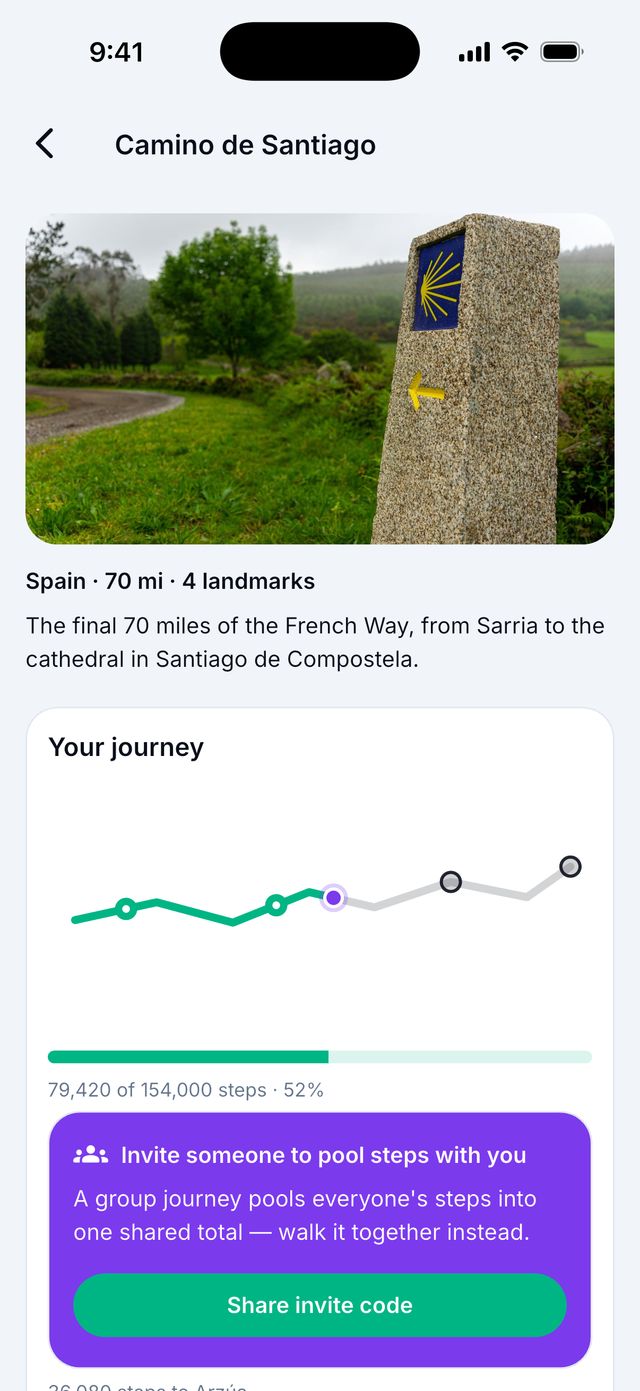
Every step you take counts as a step on that route. When you reach a famous place on the route, you get a postcard. When you reach the end, you get a certificate.
Do Journeys cost money?
Premium Plus
You can try any route for free. The free preview lets you walk the first 10 miles (about 22,000 steps). Then the route pauses.
To walk the whole route, you need Premium Plus or Caregiver membership. Your progress is kept when you upgrade.
Good to know: If your route pauses at 10 miles, you did nothing wrong. Your steps are still counted by the app.
How do I start a Journey?
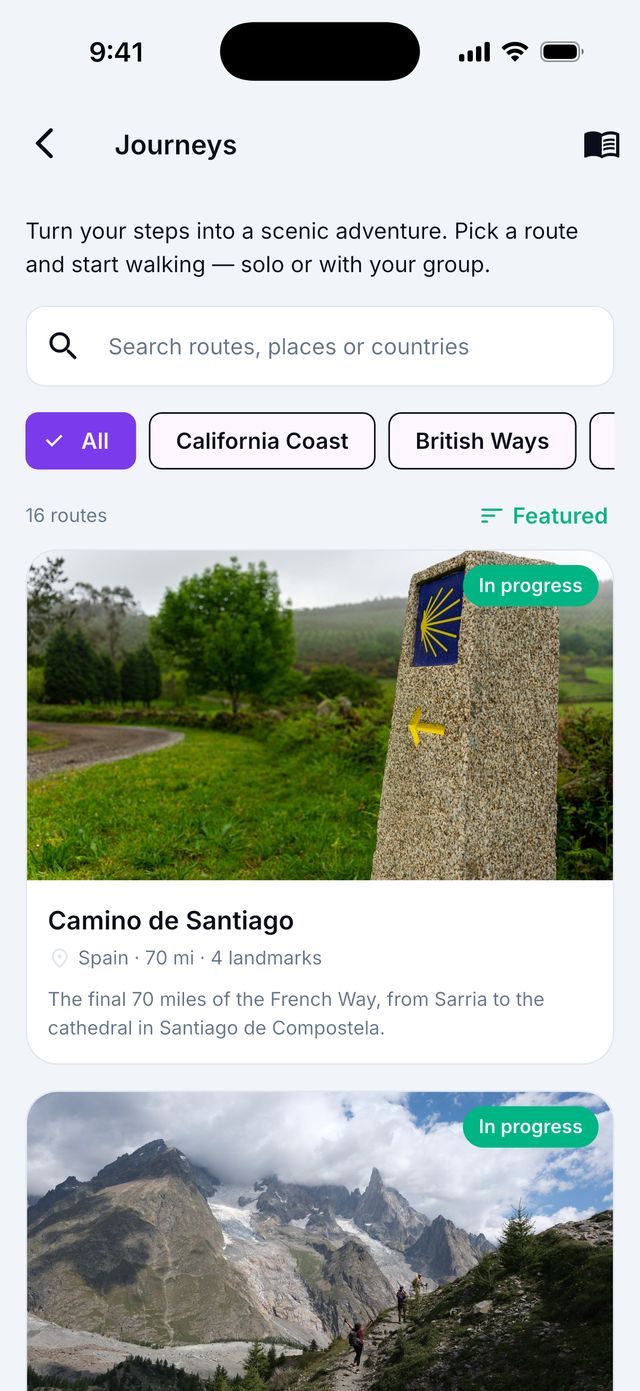
- On Today, tap the Stride Journeys card. The Journeys screen opens.
- Look at the routes. You can search by name, place or country.
- Tap a route to read about it.
- Tap Start free preview (first 10 miles), or Walk the full route if you are a member.
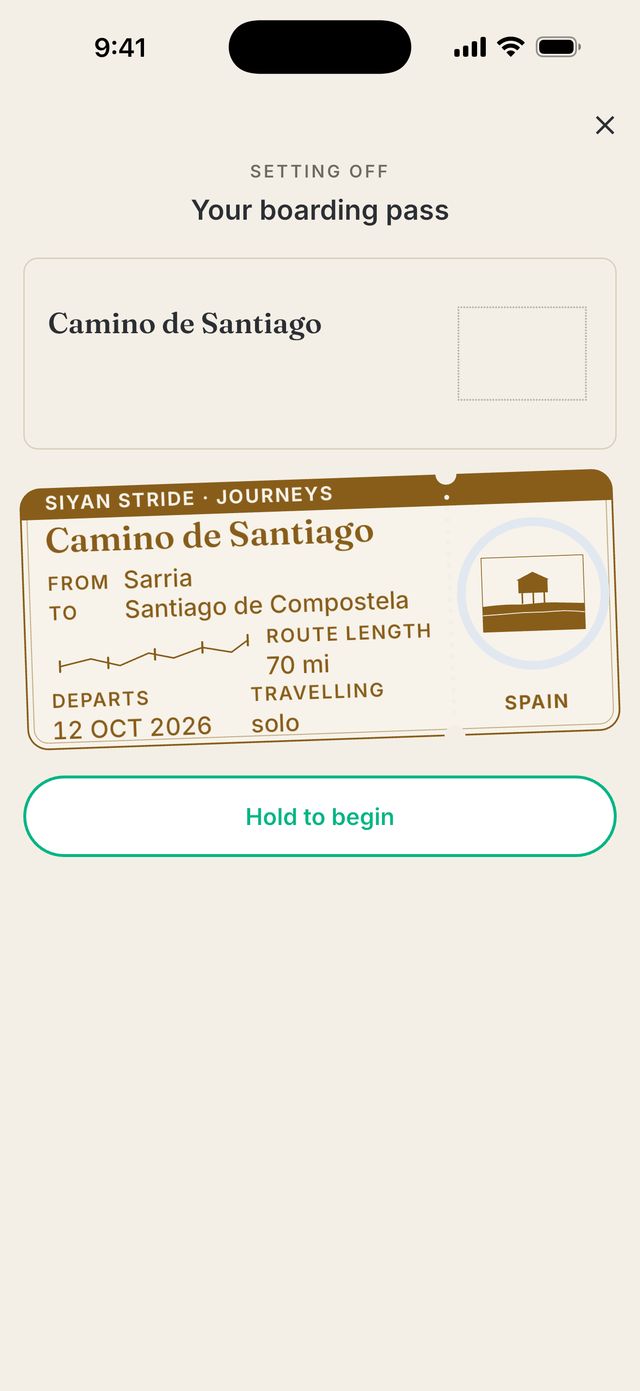
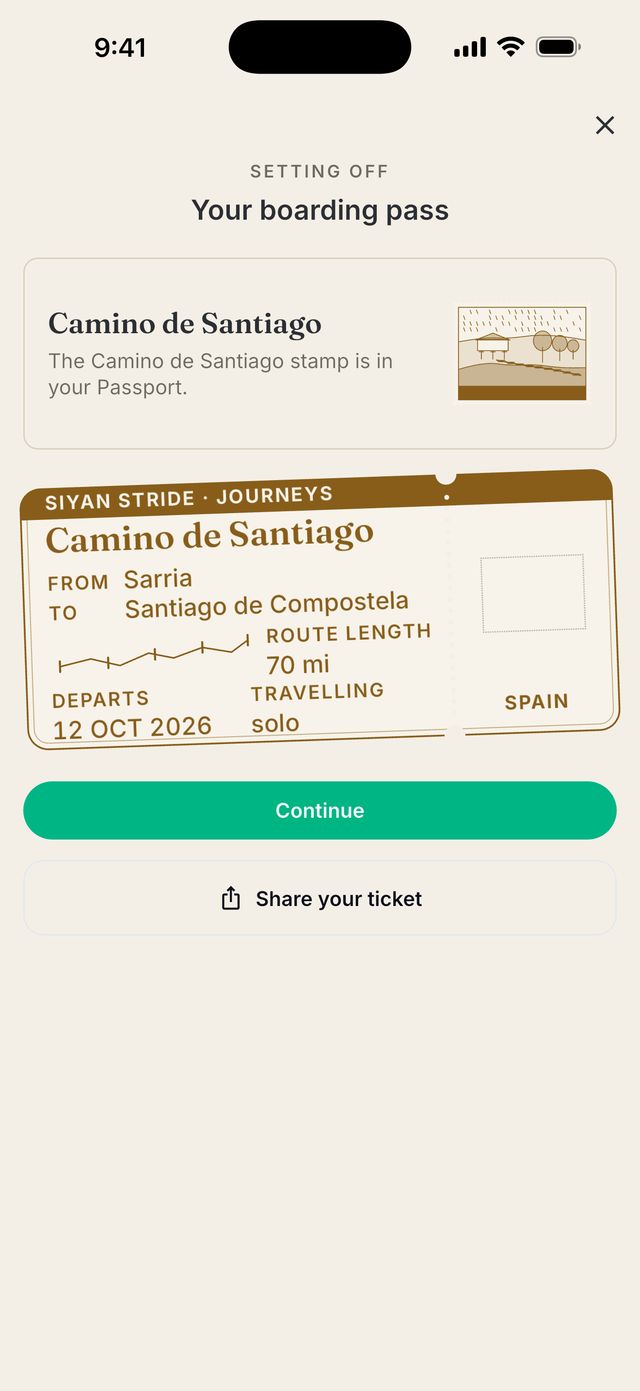
- Hold the button on your boarding pass to begin.
How do I move along the route?
Just walk. You do not need to open the Journey. Your daily steps from your health app move you forward.
Open Siyan Stride at least once a week so your steps reach the app.
Good to know: The app can only collect the last 30 days of steps at a time. If you do not open the app for more than 30 days, older steps cannot be added to your Journey.
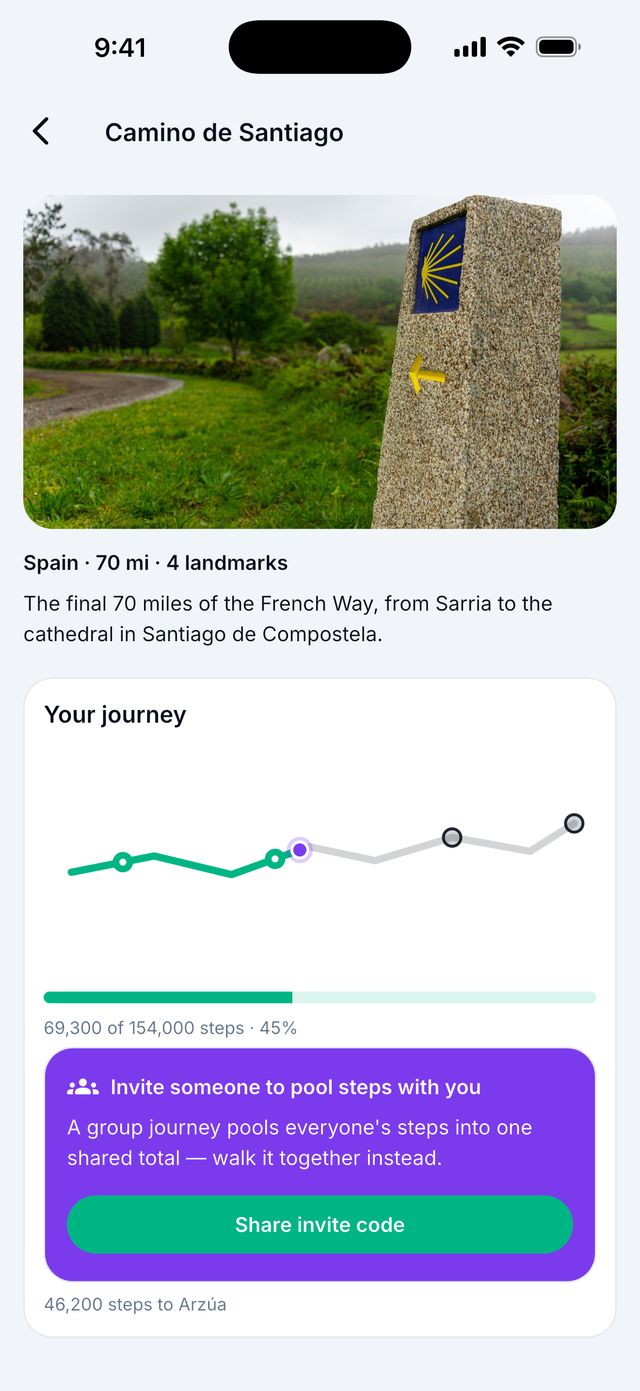
Can I walk a Journey with my group?
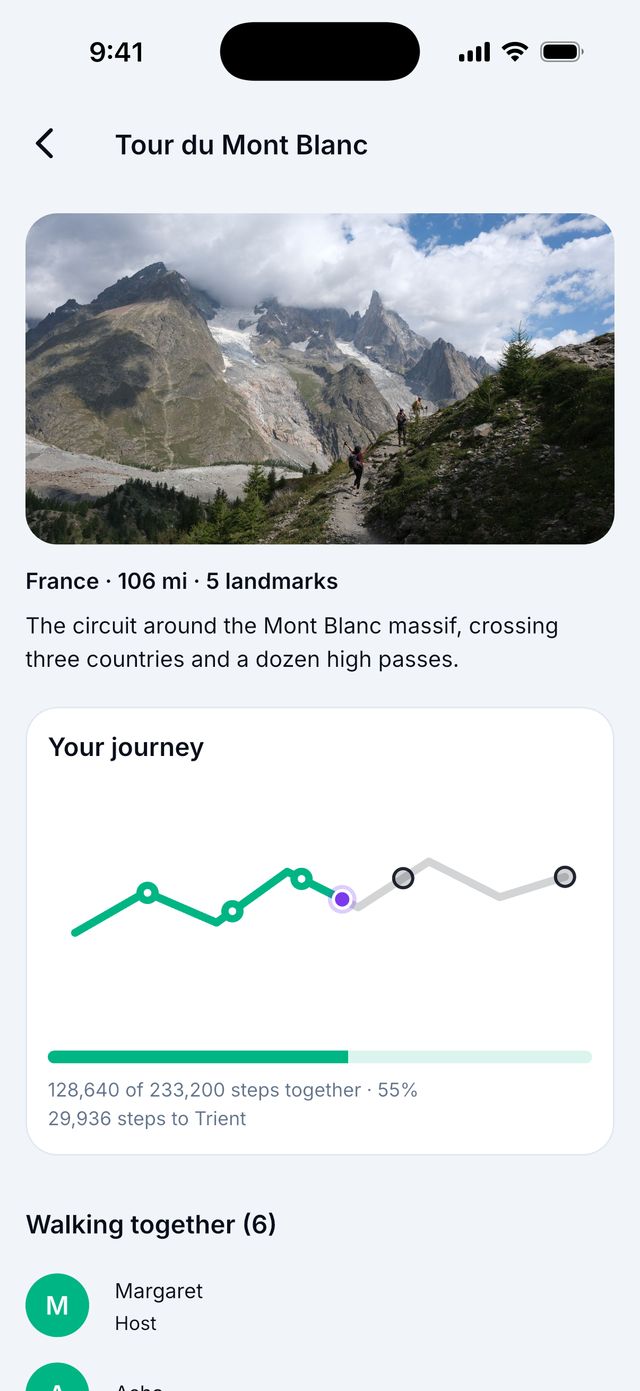
Yes. A group Journey adds everyone’s steps together into one total. You reach places faster together.
- Open a route.
- Tap Walk this with a group and choose your group.
- Others in your group see Your group is walking this route! and tap Join the journey.
Good to know: The person who starts it needs a membership that includes Journeys. The others walk for free.
Good to know: For the Walk Kilimanjaro challenge, group totals do not count. Each person walks their own route to take part.
Can I do two Journeys at once?
No. You can have one Journey at a time. Finish it, or stop it, to start a new one.
How do I stop a Journey?
Open the Journey and tap Abandon journey (on your own) or Leave journey (in a group). Your progress and postcards are not kept.
What is the Walk Kilimanjaro challenge?
It is a free 21-day walking challenge from November 2 to November 22, 2026. You walk the Kilimanjaro route in the app.
See the Walk Kilimanjaro page for how it works and the Official Rules.