Help home Watch apps
Watch apps
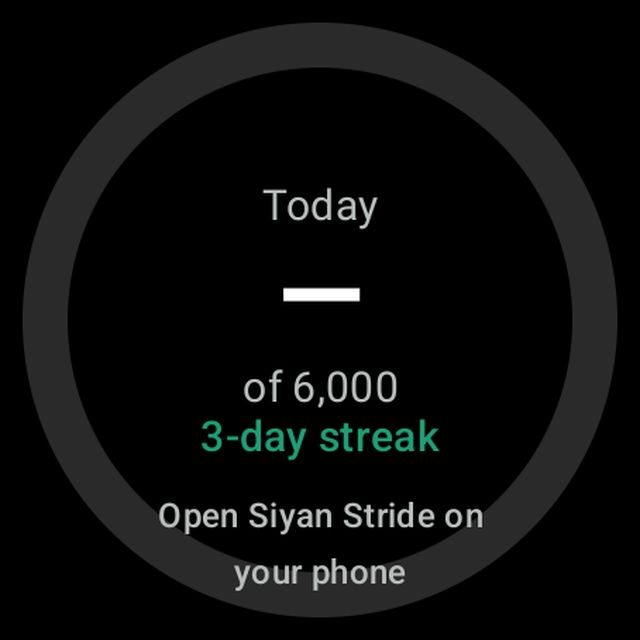
Siyan Stride has a watch app. It shows your steps and lets you record a walk from your wrist.
Which watches work?
- Wear OS watches with Wear OS 3 or newer. For example: Google Pixel Watch, Samsung Galaxy Watch4 and newer.
- Apple Watch: from version 2.0.14, install Siyan Stride on your watch from the Watch app on your iPhone (Apple Watch needs the iPhone app).
Good to know: Older Samsung watches that use Tizen are not supported.
How do I get the watch app?
On a Wear OS watch: the watch app installs from Google Play. Open Play Store on your watch and search for Siyan Stride, or install it from your phone’s Play Store and choose your watch.
How do I record a walk on my Wear OS watch?
- Open Siyan Stride on your watch.
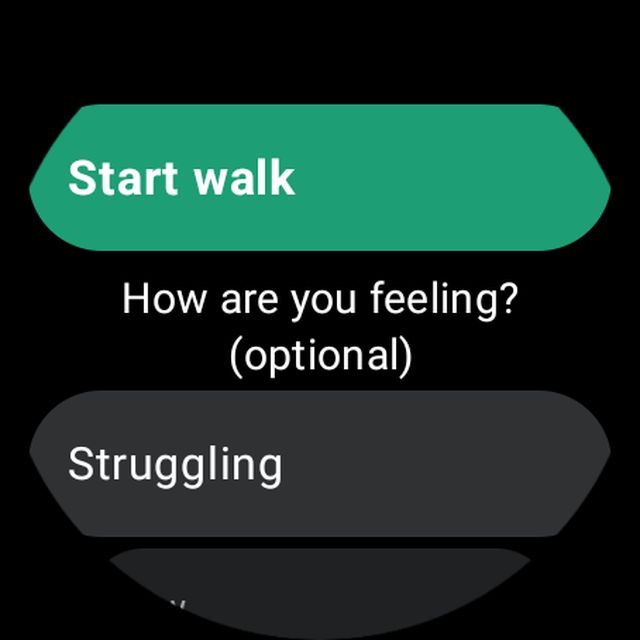
- Tap Start a walk.
- Pick how you feel, or skip it.
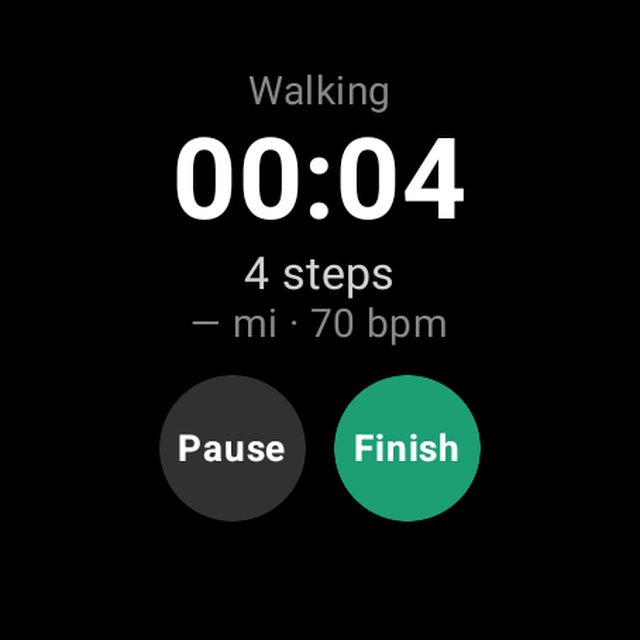
- Walk. Tap Pause to rest, and Finish when you are done.
- Pick how you feel now, or tap Save without answer.
Good to know: You can only record one walk at a time, on your phone or your watch.
Why does my watch show “—” instead of steps?
The watch shows the steps from your phone. Open Siyan Stride on your phone so it can send the latest steps to the watch.