Help home Account, privacy and settings
Account, privacy and settings
Change your profile and settings, choose what you share, and manage your account.
How do I open Settings?
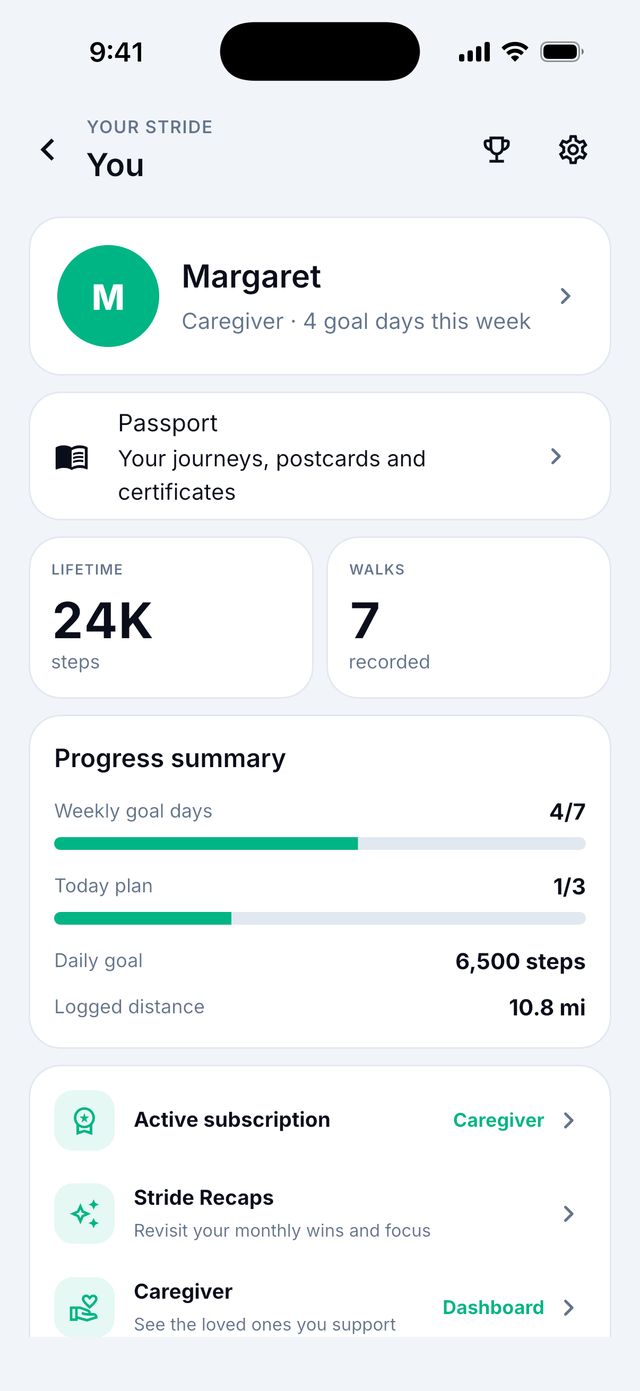
- Tap your round picture at the top right of the screen. This opens You.
- Tap the gear icon.
How do I change my name or photo?
- Tap your round picture at the top right.
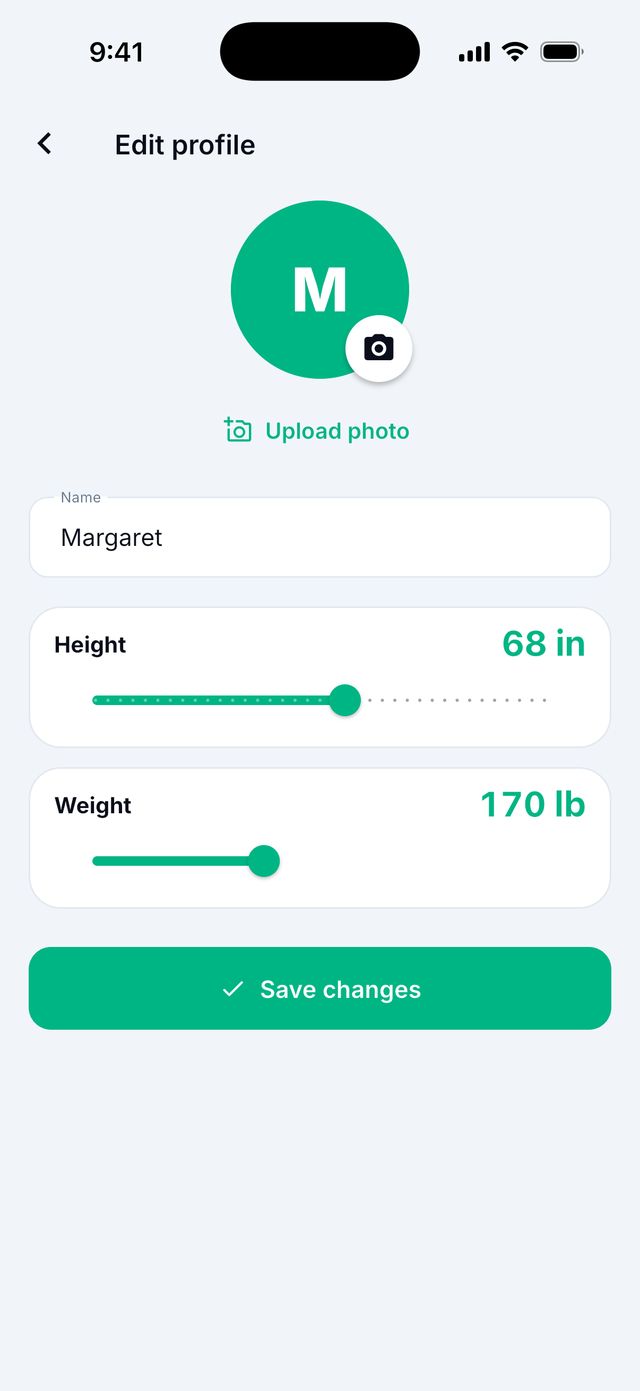
- Tap your name card. Edit profile opens.
- Change your name, or tap Upload photo / Change photo.
- Tap Save changes.
Can I use kilometers instead of miles?
- Open Settings.
- Under Appearance, tap Units.
- Choose Metric (cm, kg) or Imperial (in, lb).
What privacy choices do I have?
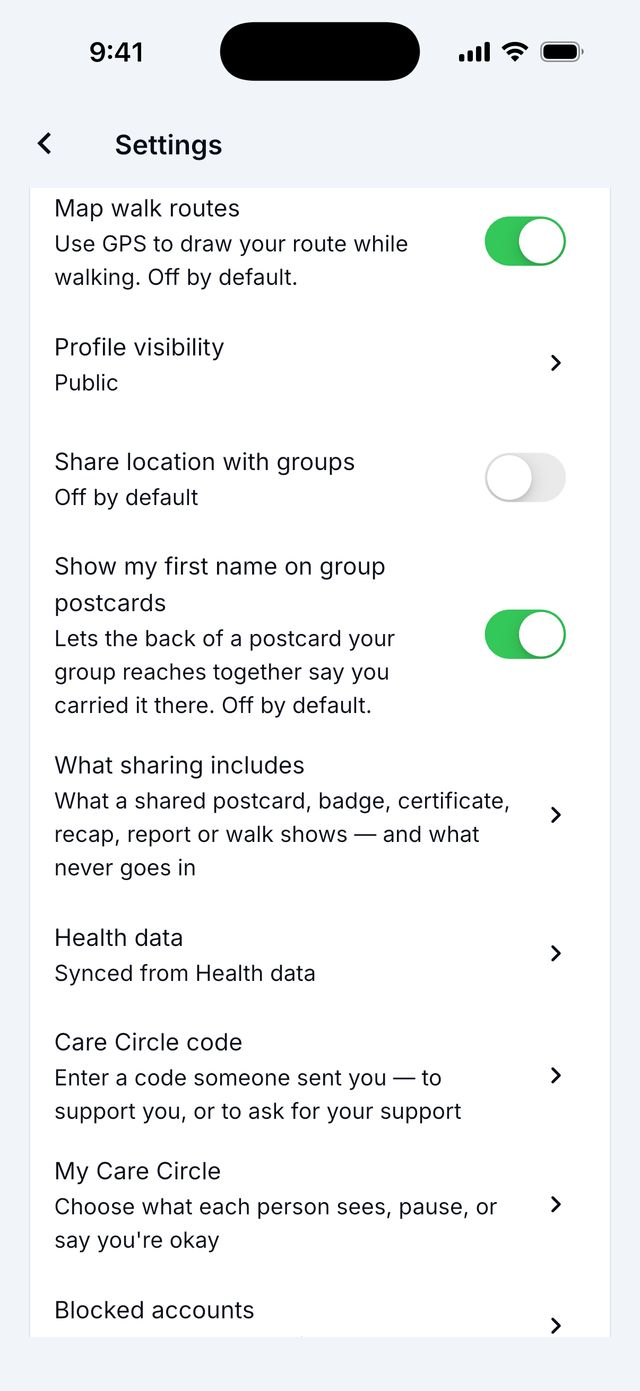
Open Settings › Privacy. Some choices:
- Map walk routes: off at first. Turn it on to see maps of your walks.
- Show my first name on group postcards: off at first.
- What sharing includes: explains what goes out when you share.
- Health data: see and change your health connection.
- My Care Circle: who supports you and what they see.
- Blocked accounts: people you blocked.
Who can see my health data?
Your health data stays private. Siyan Stride uses it to show your steps and progress to you.
Groups see only your daily steps and goal. Caregivers see only what you allow. Nobody sees your walk photos, notes or walk maps, and your location is never shared with groups.
Read the full Privacy Policy.
How do I sign out?
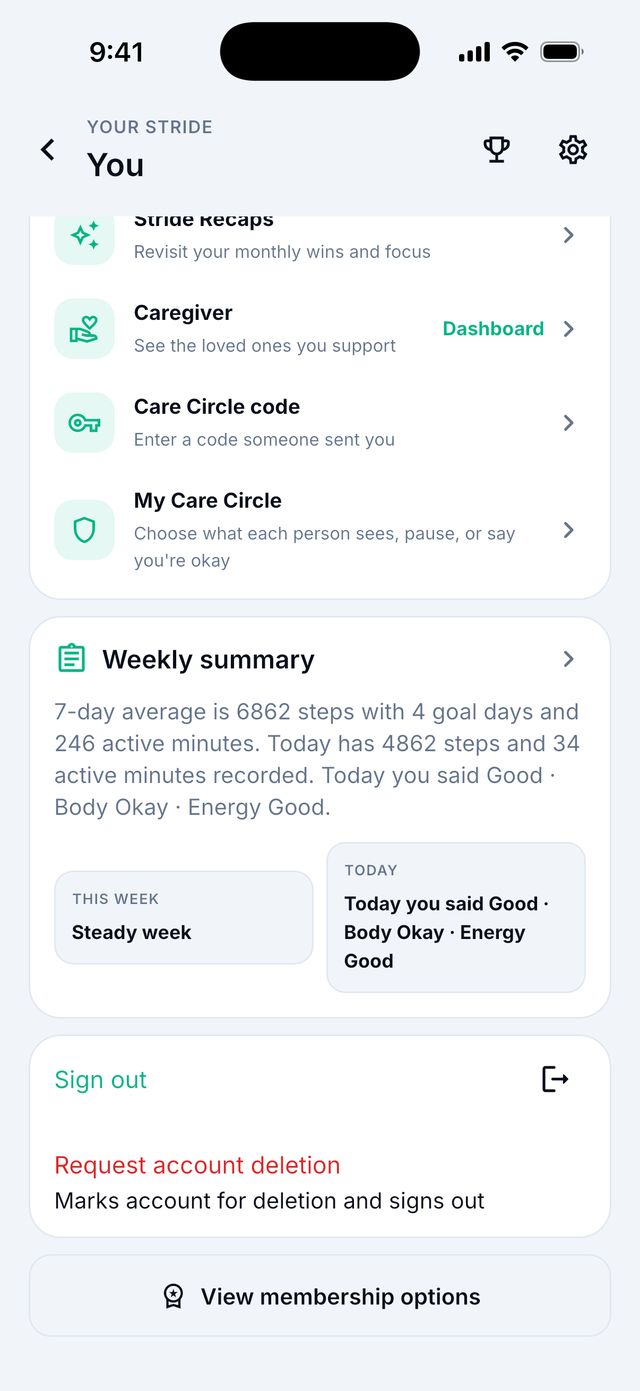
- Tap your round picture at the top right.
- Scroll down and tap Sign out.
How do I delete my account?
- Tap your round picture at the top right.
- Scroll down and tap Request account deletion.
- Type the word DELETE in the box.
- Tap Request deletion. You are signed out.
Good to know: Your account is deleted after 14 days. If you change your mind, just sign in again within 14 days. That stops the deletion.
Good to know: Deleting your account does not cancel a paid membership. Cancel it in Apple or Google first.
Good to know: No longer have the app? Email support@siyanclinical.com from your account's email address. See stride.siyanclinical.com/delete-account.html.
How do I update the app?
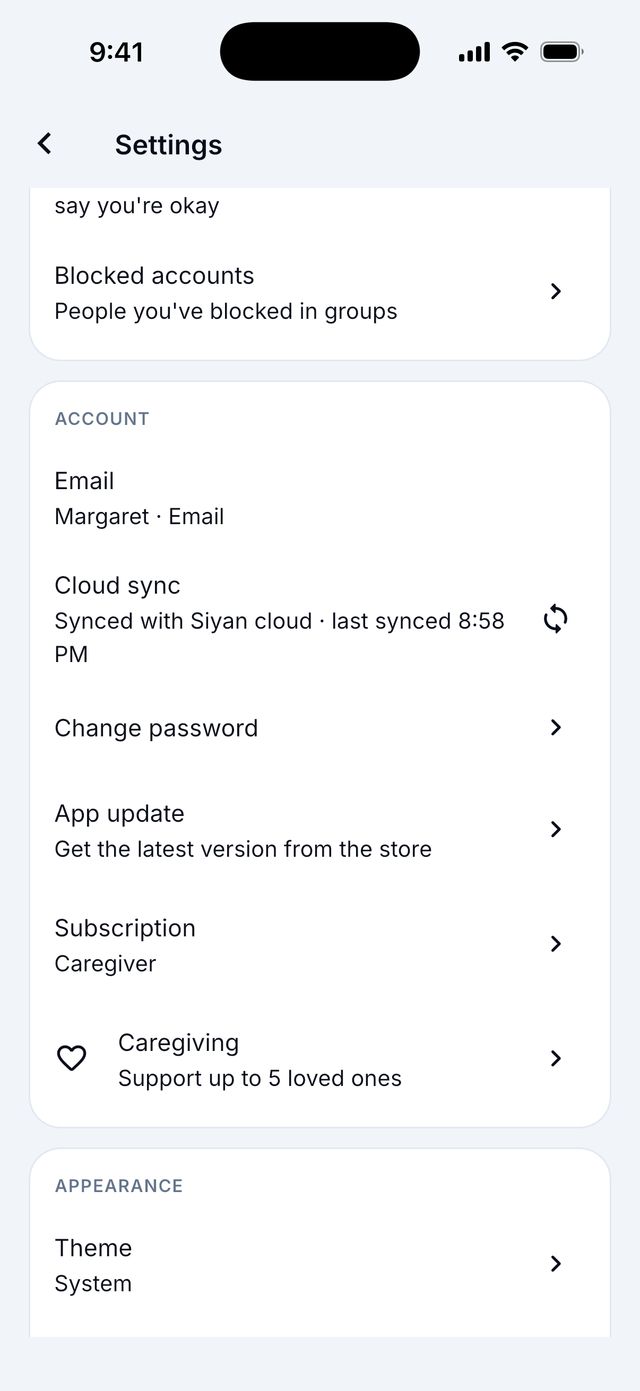
Open Settings › Account › App update. It opens the App Store or Google Play. Tap Update if you see it.
Good to know: Sometimes the app shows Update available. Tap Update. If it says Update Siyan Stride to keep walking, you must update to keep using it.
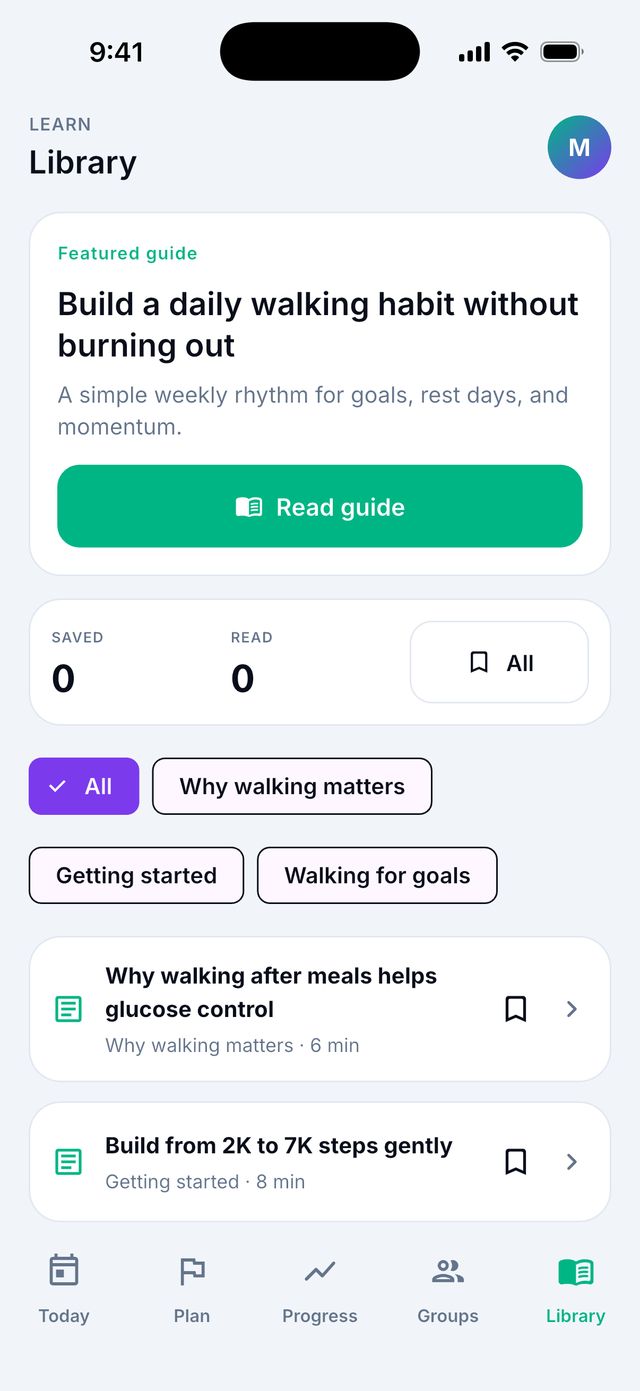
What is in the Library?
The Library tab has short articles about walking, sleep, mood and staying well. With Premium you can also listen to them.