Help home Fixing problems
Fixing problems
Something not working? Try these quick fixes first. They solve most problems.
My steps show 0 or are too low.
- Pull down on the Today screen to refresh.
- Open Settings › Health data. Check that steps are connected. Tap Sync now.
- Samsung phone? Let Samsung Health share steps with Health Connect. See the Samsung steps.
- Restart your phone and open the app again.
My Journey did not move.
- Journeys move with steps from your health app. Check your steps first (see above).
- Open the app at least once a week so your steps reach it.
- On a free preview, the route pauses at 10 miles. Your steps still count.
My walk stopped when I locked my phone.
- iPhone: allow Workouts for Siyan Stride in Settings › Health › Data Access & Devices.
- Android: keep the Walk in progress notification on. Allow Physical activity.
I can’t join a group.
- Invalid invite code: check the code. Ask for it again.
- This group is full: ask the owner to make room or upgrade the group.
- If the owner removed you, ask them to allow you back.
My promo code did not work.
Wait a minute, then tap Restore purchases in View membership options. Do not type the code again: each code works only once.
The app is old or acts strangely.
- Update the app in the App Store or Google Play.
- Close the app all the way and open it again.
- Restart your phone.
How do I contact support?
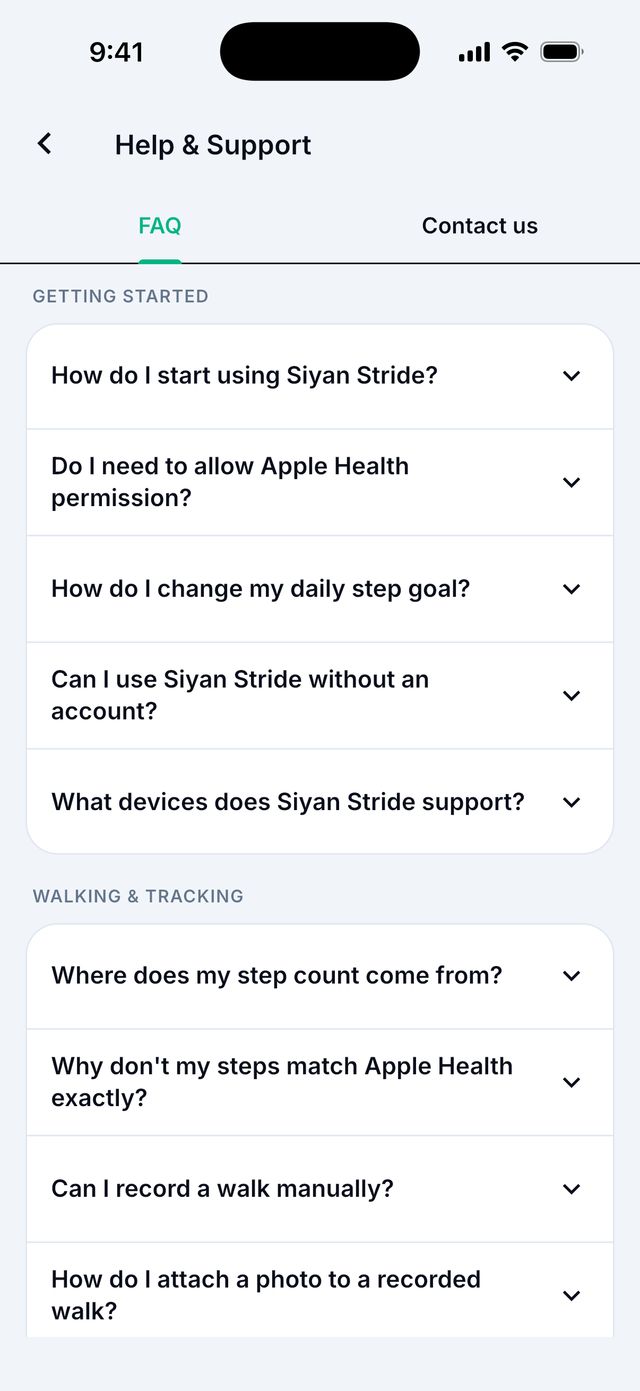
In the app: open Settings, then Help & Support, then the Contact us tab. Type a Subject and Your message, then tap Send message. We reply to your account email.
Or email us. See Contact us.