Help home Progress and weekly summary
Progress and weekly summary
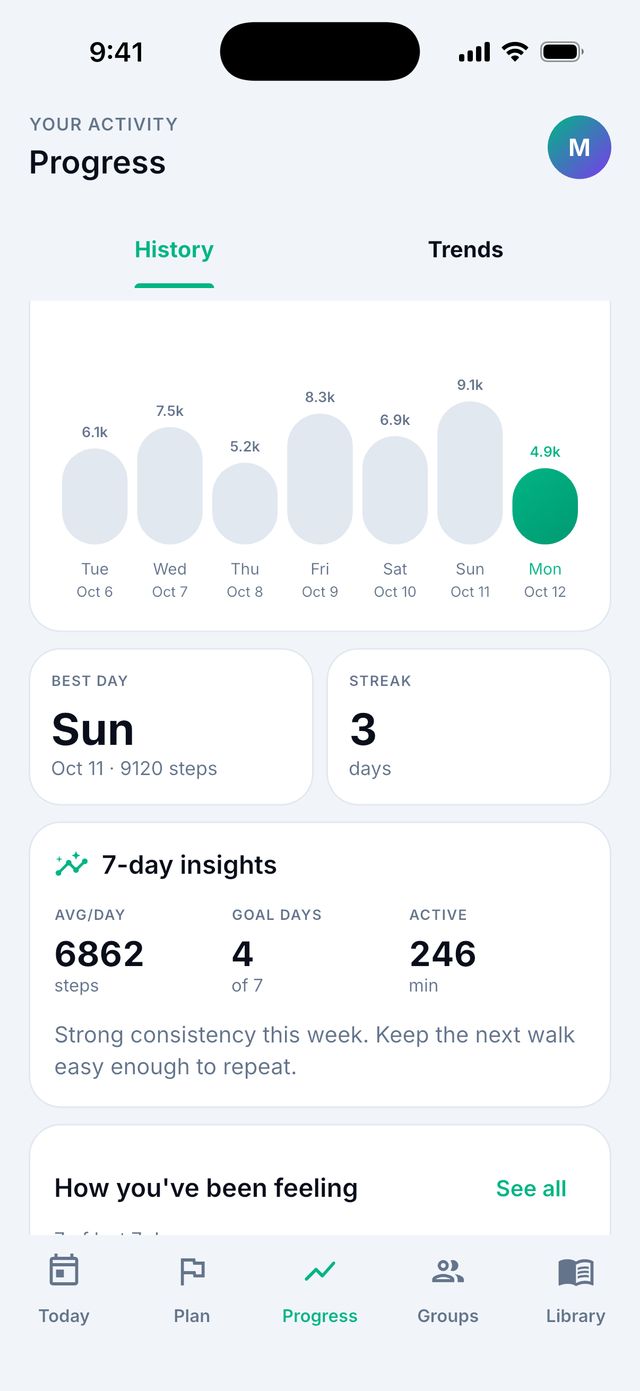
The Progress tab shows how you are doing over days, weeks and months.
What is on the Progress tab?
- All-time total: everything you walked since you joined.
- A chart of your steps. Choose Today, 7D (7 days), 30D, 180D or 1Y (1 year).
- Your best day and your streak (days in a row you reached your goal).
- Your check-ins and what helps your mood.
- Recorded walks: all walks you recorded.
What is the weekly summary?
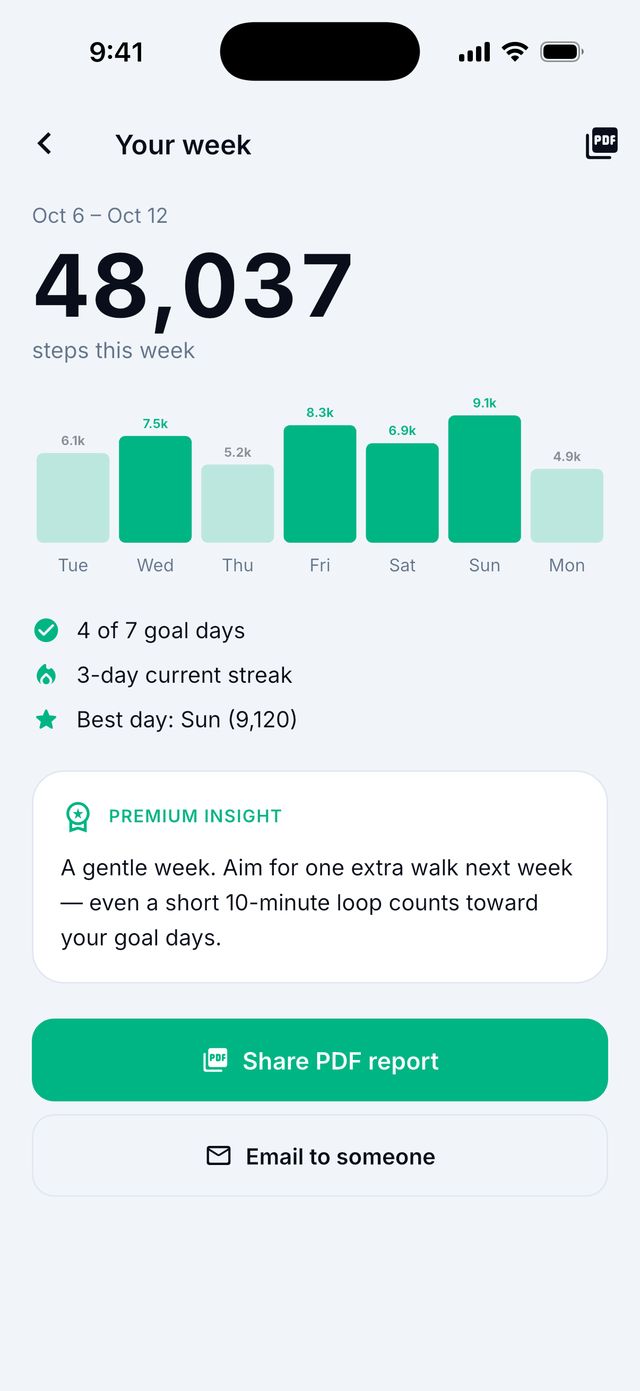
It is a short report of your week: total steps, steps each day, goal days, streak and best day.
- Open it from the Weekly review message on Today, or from Plan › Open full summary.
- Tap Share PDF report to send it, or Email to someone.
Tip: You can send the PDF to your doctor or a family member if you want to.
What are Trends?
Premium
Trends shows more charts: steps, distance, active minutes, walks, pace, calories and heart rate. You can compare with the time before.
Good to know: Trends needs Apple Health or Health Connect connected.
What is the monthly Stride Recap?
Premium
Once a month, the app makes a recap: your wins, how steady you were, how you did compared to last month, and one thing to focus on next.
- Open it from the message on Today, or tap your round picture at the top right and then Stride Recaps.
- Tap Share your recap to send it.
Can I download my walking data?
- Go to Progress.
- Find Recorded walks.
- Tap Export. Your phone’s share menu opens. Save or send the file.
Good to know: The file is a spreadsheet file (CSV). You can open it in Excel, Numbers or Google Sheets.